Introduction
Adding MFA delete to an S3 bucket, requires additional authentication when you change the version state of your bucket or you delete and object version adding another layer of security in the event your security credentials are compromised or unauthorized access is granted.
Once MFA Delete is enabled on your sensitive and classified S3 bucket it requires the user to have two forms of authentication. check-bucket-versioning-status account to enable MFA Delete on S3 buckets.
Steps to enable MFA delete on S3 bucket using CLI
-
List the AWS S3 buckets of the account
aws s3 ls -
Run the
get-bucket-versioning. If no versioning is enabled, then it will return nothing.aws s3api get-bucket-versioning --bucket <bucket_name>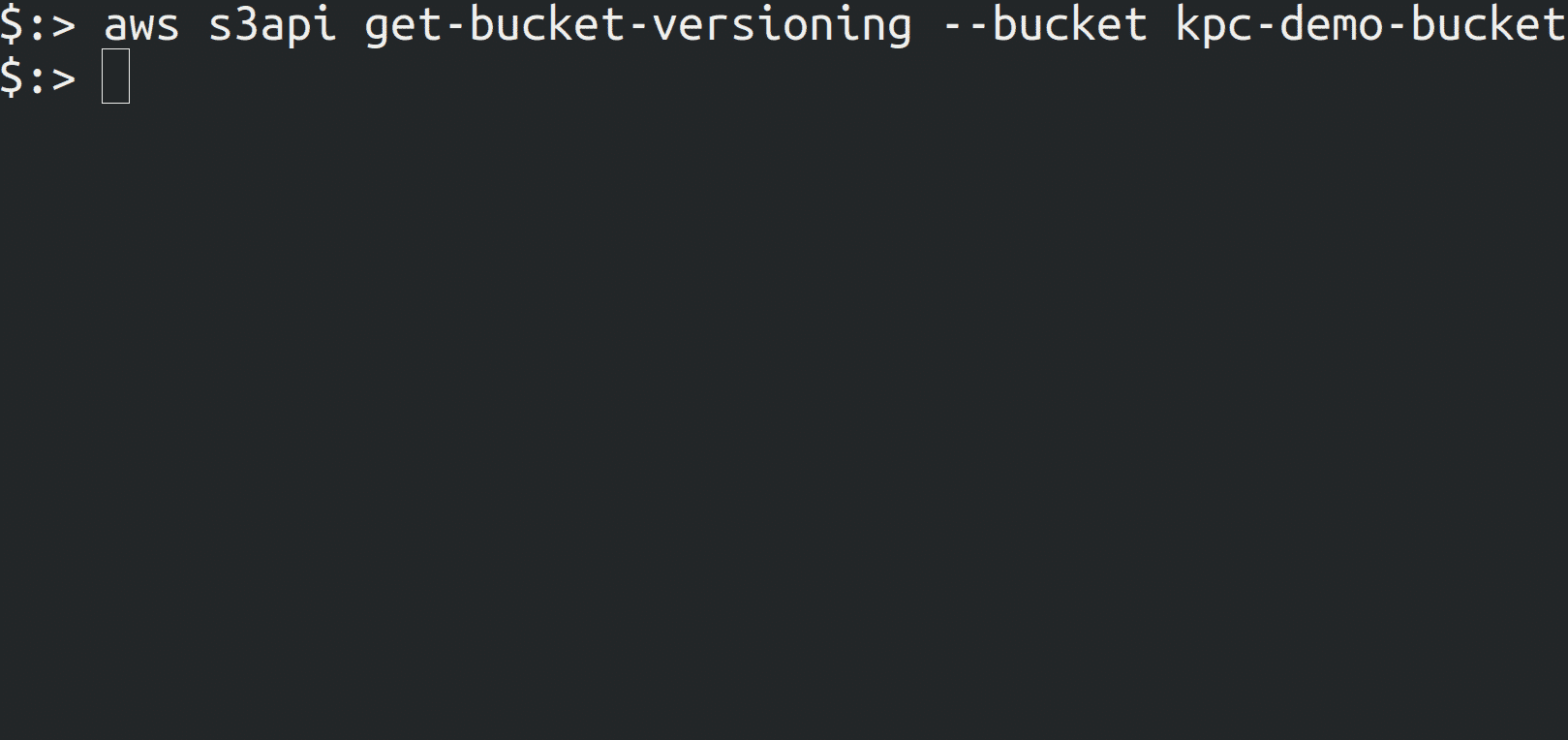
-
Run the s3api put-bucket-versioning command as to enable versioning with MFA delete feature on bucket. You can’t enable MFA delete feature on a bucket which isn’t versioned.
aws s3api put-bucket-versioning --profile <profile_name> --bucket <bucket_name> --versioning-configuration Status=Enabled,MFADelete=Enabled --mfa “arn:aws:iam::<aws_account_id>:mfa/<root_account_mfa_device> <passcode>”
-
Run the
get-bucket-versioningto check if mfa is enabled or notaws s3api get-bucket-versioning --bucket <bucket_name>