Introduction
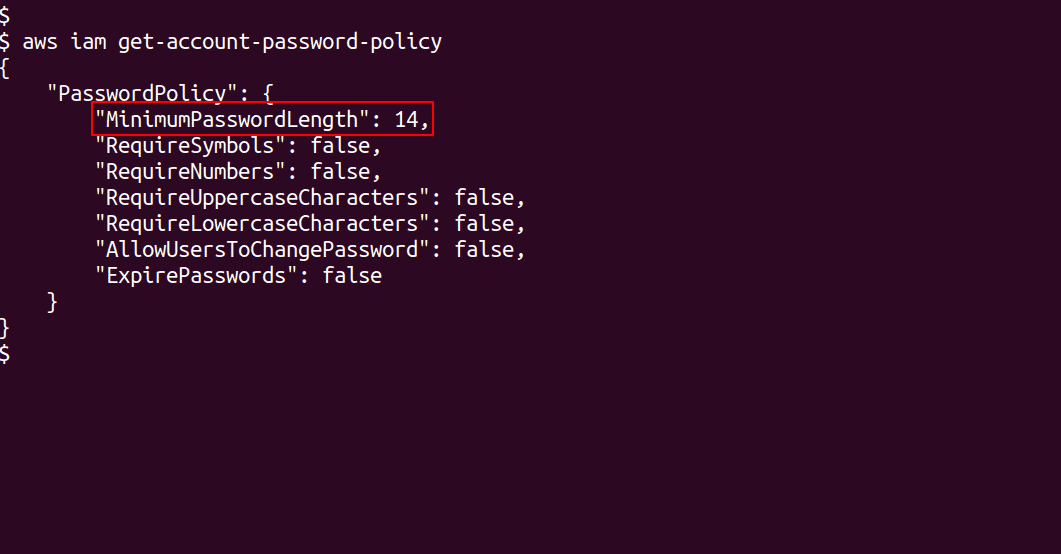
Password complexity requirements can be enforced using password policies. IAM password policies can be used to ensure that the users’ passwords are at least a given length. It is recommended that the password policy requires a minimum password length of 14 characters.
Setting a password complexity policy increases account resiliency against brute force login attempts. If password length requirements are not enforced, users with smaller and weaker passwords become much more vulnerable to brute force attacks.
Accounts that can be brute forced provide access to attackers and consequently access to all data and resources within. In case of accounts with administrative access, this could mean the compromise of all resources, data, and even business intellectual property.
In this article we will see how to update IAM password policy using AWS CLI.
Update IAM password policy
Following are the steps to update IAM password policy using AWS CLI to require minimum password length of 14 or greater:
-
To check your current password policy, run the following command
aws iam get-account-password-policy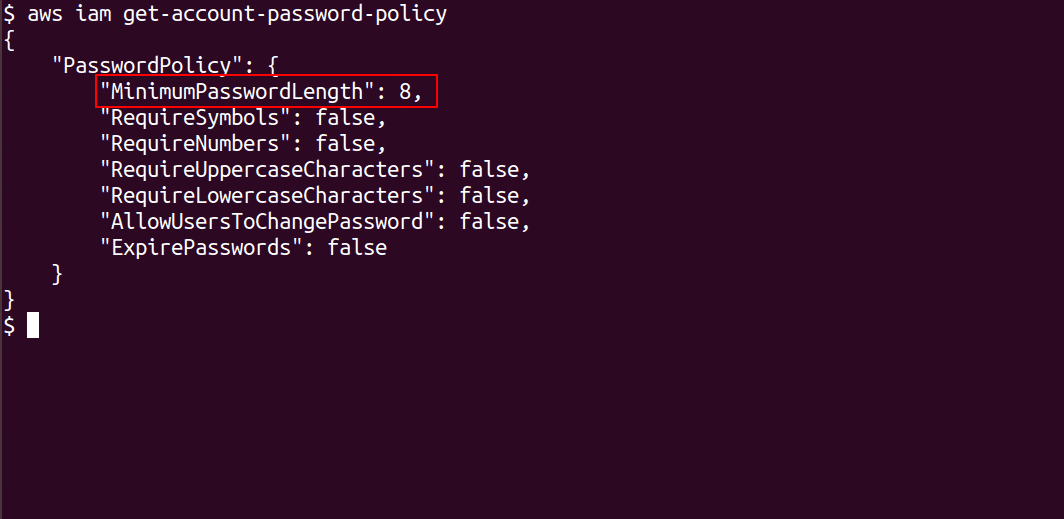
-
Update the password policy to require minimum password length of 14 by running the following command
aws iam update-account-password-policy --minimum-password-length 14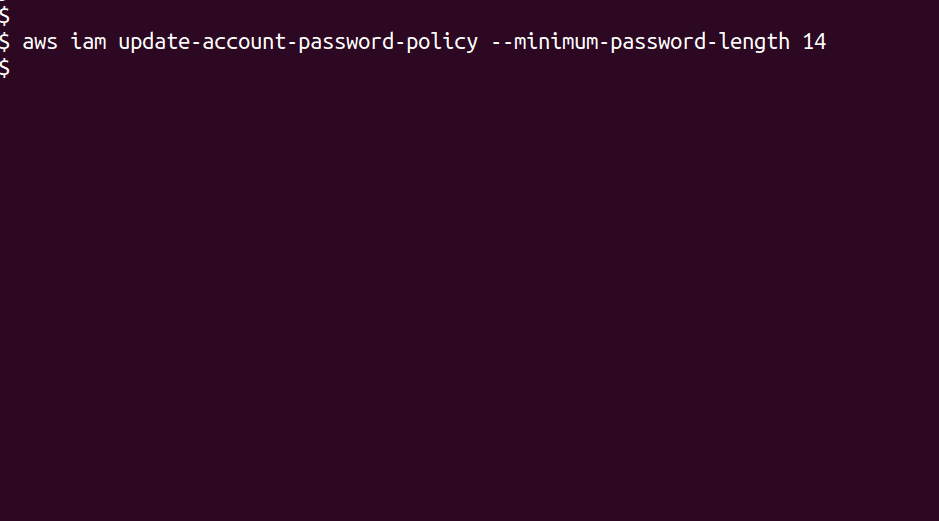
-
To check if the password policy has successfully updated, run command in step 1 again
aws iam get-account-password-policy